
Features
Everything it does, and nothing it doesn't
05fit is deliberately small. It does a few things all day long, so you don't have to remember to.
Why it's built this way
Most apps wait for you to open them. On a busy workday, you won't.
So 05fit comes to you. It starts with your computer, stays on your desktop and keeps your progress in view without a single click. Everything below follows from that one idea.
Always there
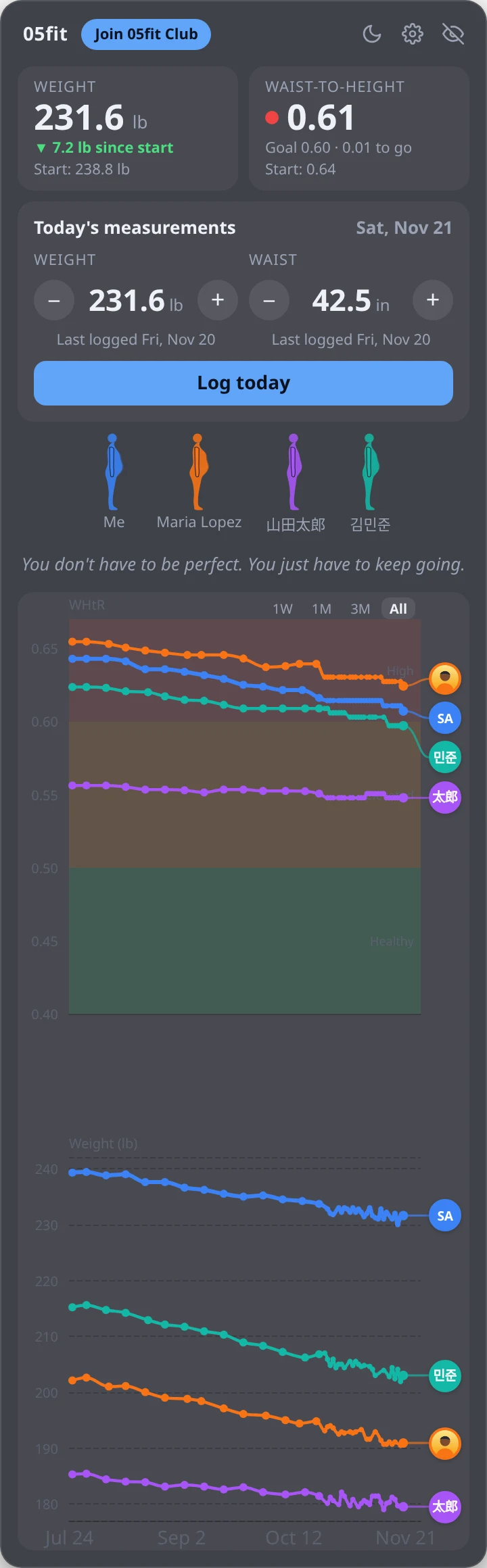
A panel on your desktop
It starts when your computer starts. Drag it anywhere and it remembers where you left it.
- On the desktop: sits behind your apps and shows whenever you see the desktop.
- Always on top: floats above everything, if you'd rather see it all the time.
- Hide it in one keystroke for meetings and screen sharing: Ctrl+Alt+Space (on a Mac, Control+Option+Space), or the tray icon.
Logging
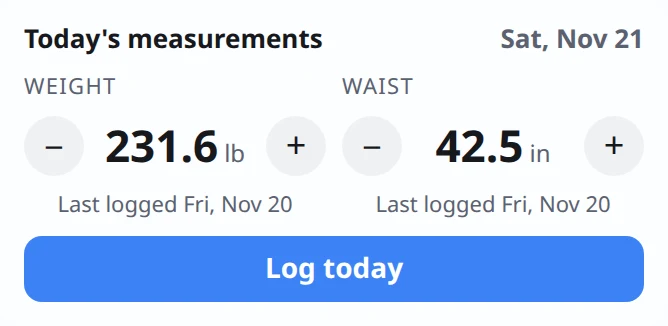
A few clicks a day, no typing
- Yesterday's weight is already filled in. Nudge it with + and − or the mouse wheel, then press Log today.
- Your waist is weekly. After 7 days the panel gently reminds you.
- If a number jumps more than usual, it asks you to double-check.
- Logged twice today? The newer entry replaces the earlier one.
Charts
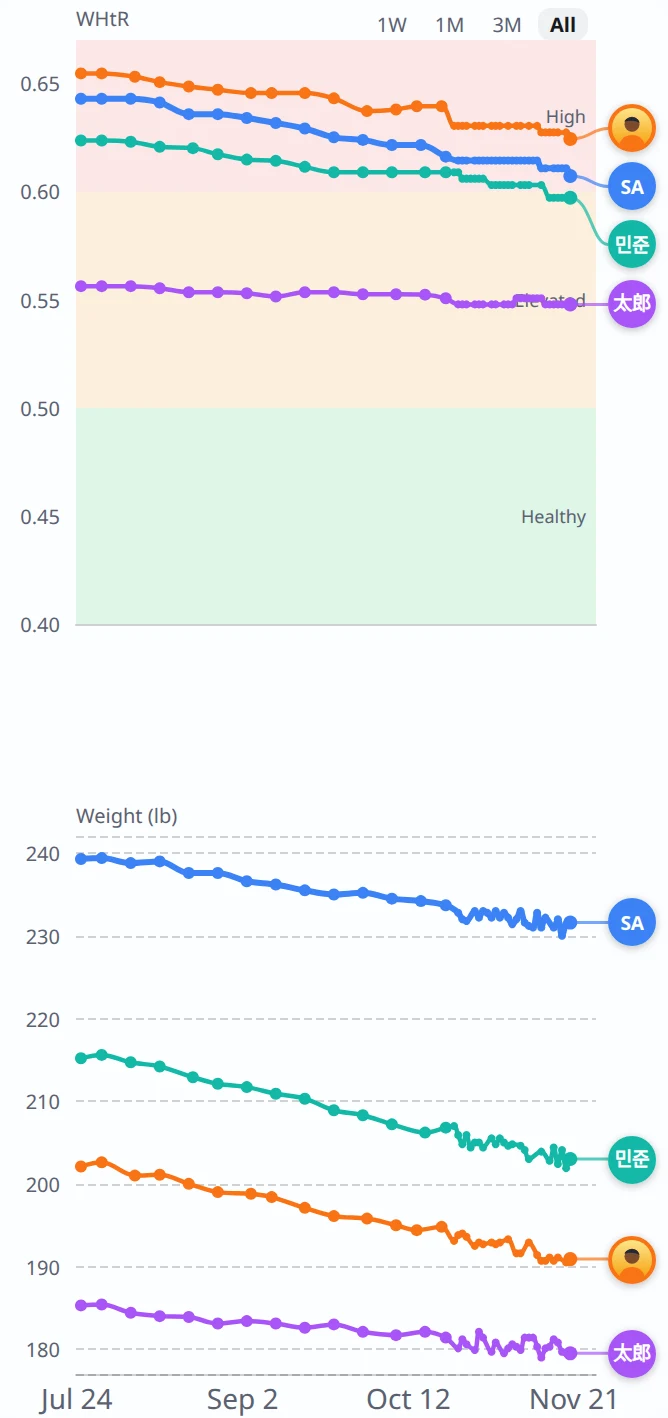
Two charts, one timeline, everyone together
Waist-to-height on top, weight below, sharing the same dates. Your line and your partners' lines sit side by side, each with a photo or initials at the end.
- Color bands show High, Elevated and Healthy at a glance.
- Starts with a week and grows to fit your whole history. Zoom with 1W, 1M, 3M, 1Y or All.
- Hover over any point to see the date, the person, and their numbers.
Body figures
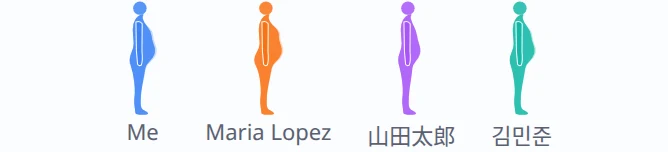
See the shape of your progress
A simple side view of you and each partner, drawn from your waist-to-height ratio. A pale outline behind each figure shows where that person started.
Underneath, a short daily tip, a new one every day, sometimes with a link to learn more.
Partners
Better together
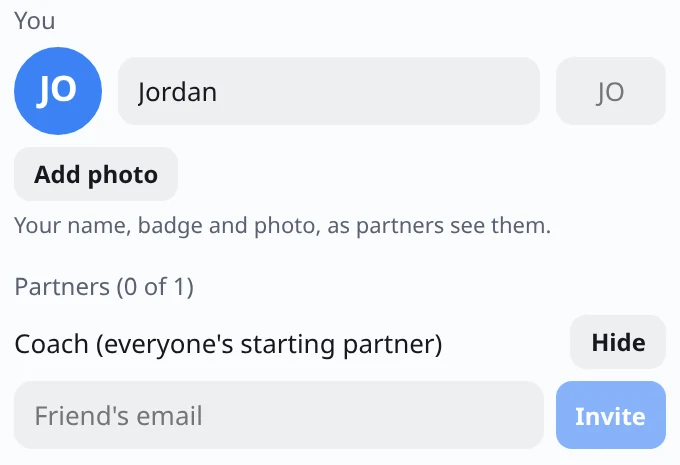
- Invite a friend by email. Nothing is shared until they accept, and either of you can stop sharing at any time.
- Everyone starts with a starting partner from the 05fit team, so nobody starts alone. You can hide them.
- Free accounts have 1 partner place; 05fit Club members get up to 3.
- Pick your name, a two-letter badge or a photo, so partners can spot your line.
05fit Club
More reasons to keep going, together
👏 Cheers and nudges
Cheer a partner on with one click, or nudge them when they haven't logged yet. It pops up on their panel.
🔥 Shared streaks
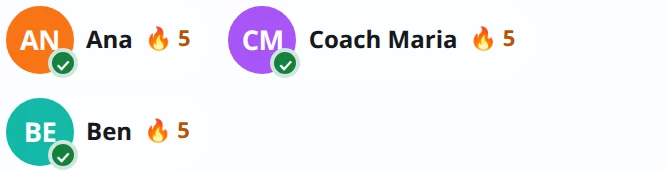
See how many days in a row you've both logged, and keep the streak going.
🎉 Celebrate milestones
When a partner's waist shrinks or their ratio reaches a new step, you're the first to know.
📏 Waist check-in reminders
A gentle reminder to measure your waist, every few days, so a creeping waistline never takes you by surprise.
👥 Groups and challenges
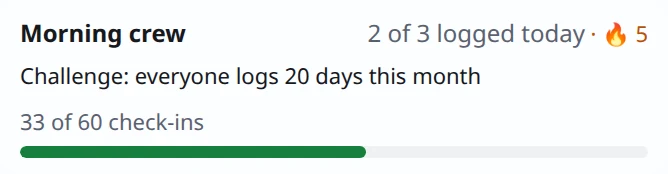
Start a group of up to 6 for family, friends or your team, with one challenge a month.
🏢 For coaches and companies
Run groups for your clients or your team, with your photo or logo on their panel.
Made for work life
The small things that make it easy to keep
Works offline
Log on a plane or a train. It catches up when you're back online.
Light and dark
Follows your computer, or pick one.
Text size
From 90% to 150%, and the panel grows to fit.
U.S. or metric
Pounds and inches, or kilograms and centimeters. Switch any time.
9 languages
English, Spanish, German, French, Portuguese (Brazil), Italian, Japanese, and Chinese (Simplified and Traditional).
Your data, your call
Download everything, or delete your account, from Settings → Privacy.